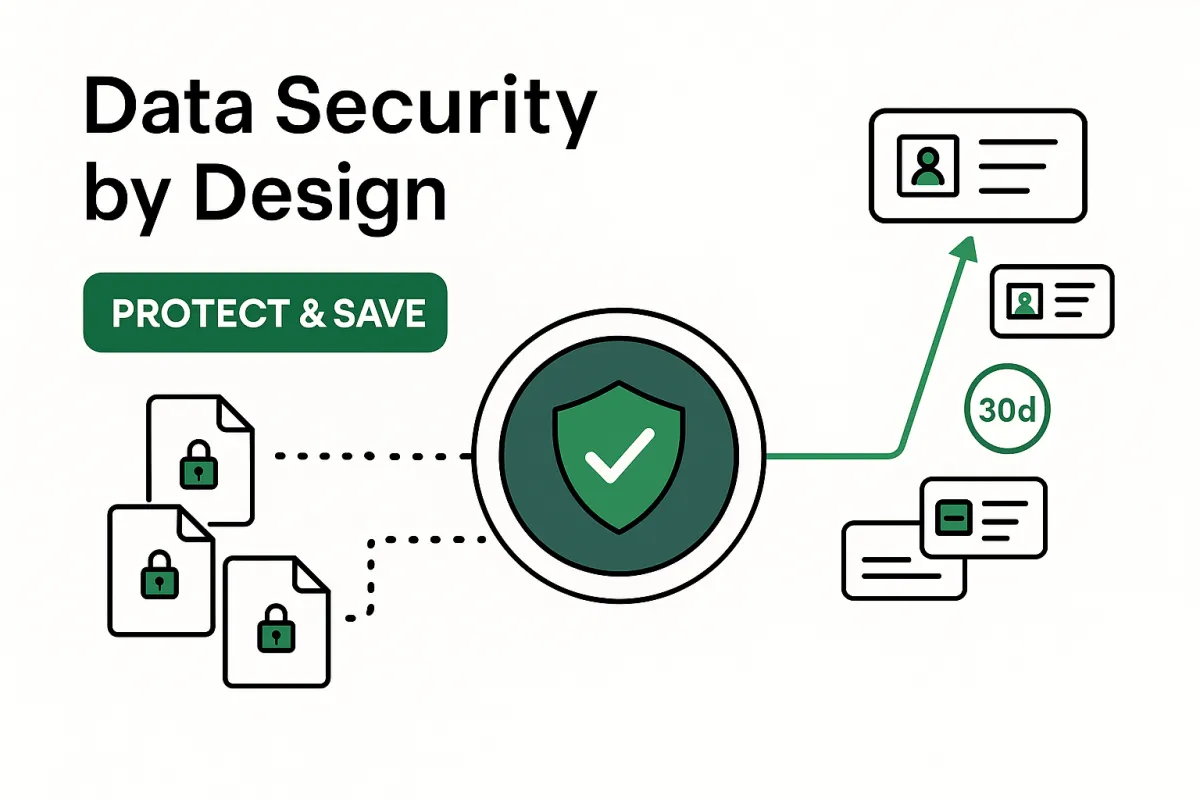
Data Security by Design: Protect Files While Cutting Costs
Data Security by Design: Protect Files While Cutting Costs
Security and savings aren’t opposites. The fastest way to lower onboarding and compliance costs is to touch sensitive files less, keep decisions explainable, and automate what humans shouldn’t be doing in the first place. “Security by design” means the protection is built into the workflow—not bolted on later with policies and meetings. The result: fewer manual accesses, fewer copies of documents, faster answers, and lower risk.
Why “secure by default” also saves money
Fewer human touches = fewer minutes. Every time an analyst opens a PDF to check something, you pay in time and risk. When checks run automatically and outcomes are recorded, people only handle exceptions, not every file.
No unnecessary storage = lower footprint. If you don’t need to keep copies, don’t. Deleting automatically by policy reduces breach surface and storage costs.
Explainable decisions = shorter audits. When pass/fail outcomes are reason-coded and time-stamped, audit packs assemble in seconds—not weeks—freeing teams from dig-through-the-inbox archaeology.
Consistent controls = fewer incidents. Standard rules and access patterns reduce ad-hoc workarounds (the real source of leakage and fines).
The principles (kept high-level—no “secret sauce”)
1) Minimize exposure
Only collect what’s required for a decision.
Prefer in-memory/ephemeral processing; store outcomes and reasons, not raw files, unless policy demands it.
Retention-by-policy: automatic deletion at 30/60/90 days (or your internal standard).
Field-level redaction for exports (e.g., mask ID numbers) so audit bundles aren’t risky payloads.
2) Isolate and control access
Role-based access with least privilege; sensitive files viewable only when there’s a justified exception.
Just-in-time access (time-boxed viewing) + event logging (who saw what, when, and why).
Optional data residency selection to keep documents within jurisdiction.
Signed, expiring links for re-uploads; no permanent public links.
3) Encrypt & evidence everything
Encryption in transit and at rest for intake, processing, and any policy-driven storage.
KMS-managed keys & rotation (provider or customer-managed).
Immutable decision trail: pass/fail, reason codes, timestamps, and actor IDs—exportable on demand.
What happens to a file (the safe lifecycle)
Intake — Files arrive via email, web form, or portal over encrypted channels. Unsafe types are blocked; size limits enforced.
Screen & decide — The system checks presence, type, legibility, expiry, and cross-document consistency in seconds. Suspected tamper signals escalate to human review; clean files pass.
Notify & correct — Applicants get pass/fail with precise reasons and a secure re-upload path. Most fixes happen same-session—no inbox ping-pong.
Sync & retain — Your CRM/claims/core receives structured outcomes and fields. Files are kept only per policy (or not at all). All events are logged for audit.
How security reduces cost, line by line
Analyst minutes: Drop sharply when only exceptions are opened by humans.
Storage & backups: Shrink when retention and redaction are automated.
Incident risk: Lower probability + lower blast radius (fewer copies, shorter lifetimes).
Audit prep: Hours → minutes thanks to exportable, reason-coded trails.
Fines & write-offs: Fewer bad approvals and stronger evidence reduce penalties and disputes.
KPIs for “secure + efficient”
Human file-access events per case (trend down).
Average file retention window (align to policy; avoid “forever”).
Time-to-evidence (export bundle generation time; target seconds).
Exception-only rate (share of cases never opened by humans).
Storage footprint per 1,000 cases (should fall with automated deletion).
Dispute/chargeback rate tied to intake (declines as quality and traceability rise).
Answers to common objections
“If we delete, how do we pass audit?” You keep evidence, not unnecessary files: reason codes, outcomes, timestamps, and redacted exports. That’s what auditors ask for.
“Won’t this slow us down?” It’s faster. Automated checks remove manual steps; retention and access are policy-driven, not case-by-case judgment calls.
“We need flexibility by region.” Data residency, jurisdictional rules (expiry windows, formats), and configurable retention handle that without rebuilding workflows.
30-day security upgrade (without giving away the recipe)
Week 1: Confirm required docs, decide what truly needs to be stored, and set retention defaults.
Week 2: Turn on reason-coded outcomes and exportable decision trails; restrict raw file access to exceptions-only roles.
Week 3: Enable redacted audit bundles; test time-boxed access and signed re-upload links.
Week 4: Publish KPIs (access events, time-to-evidence, storage footprint) and lock data residency/retention policies.
Takeaway
Security by design is good business. When you minimize exposure, control access, and make decisions explainable, you protect customers and your margins. Less manual handling, fewer copies, faster audits—lower cost with stronger governance.
Homepage: https://aidocumentvalidator.com
Full FAQ: https://aidocumentvalidator.com/faq
